
AndroDumpper
Tools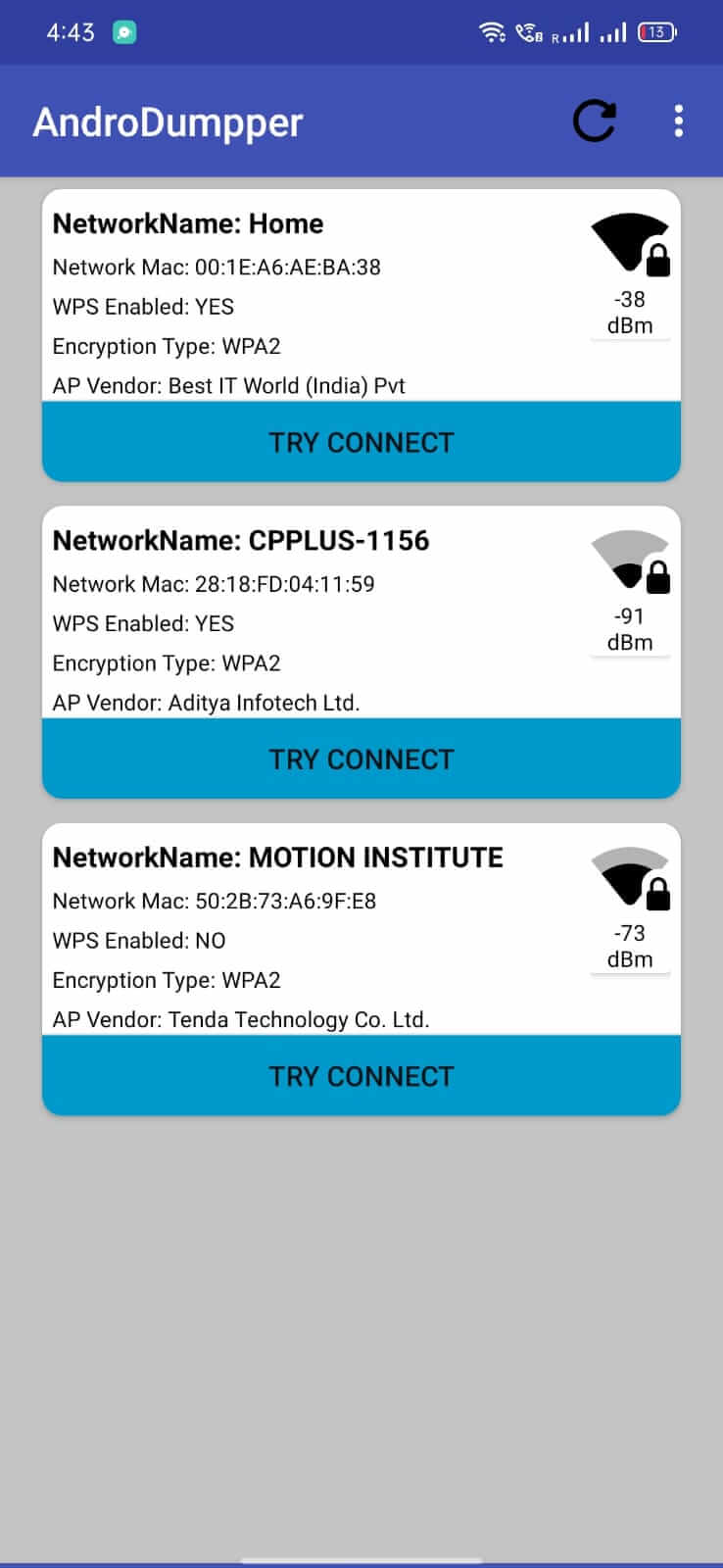
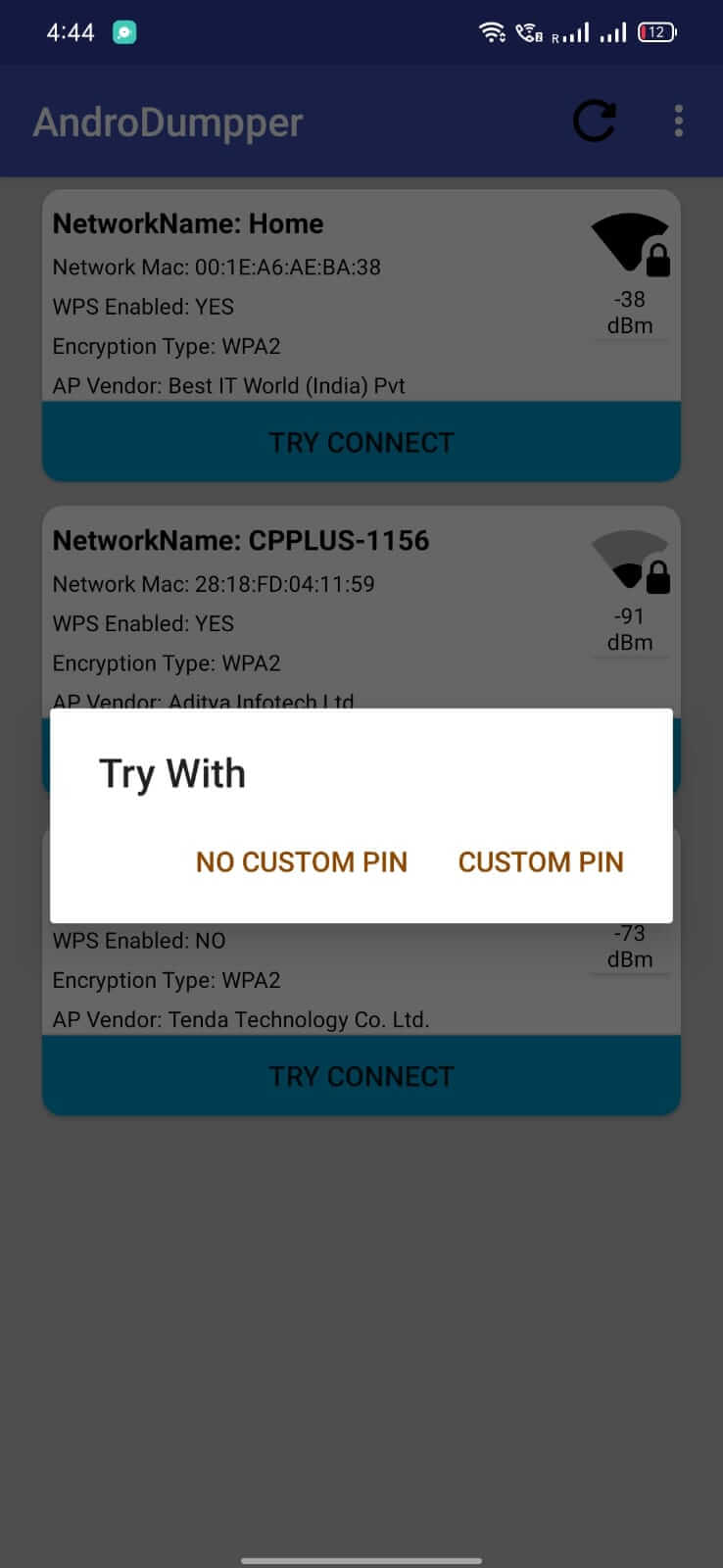
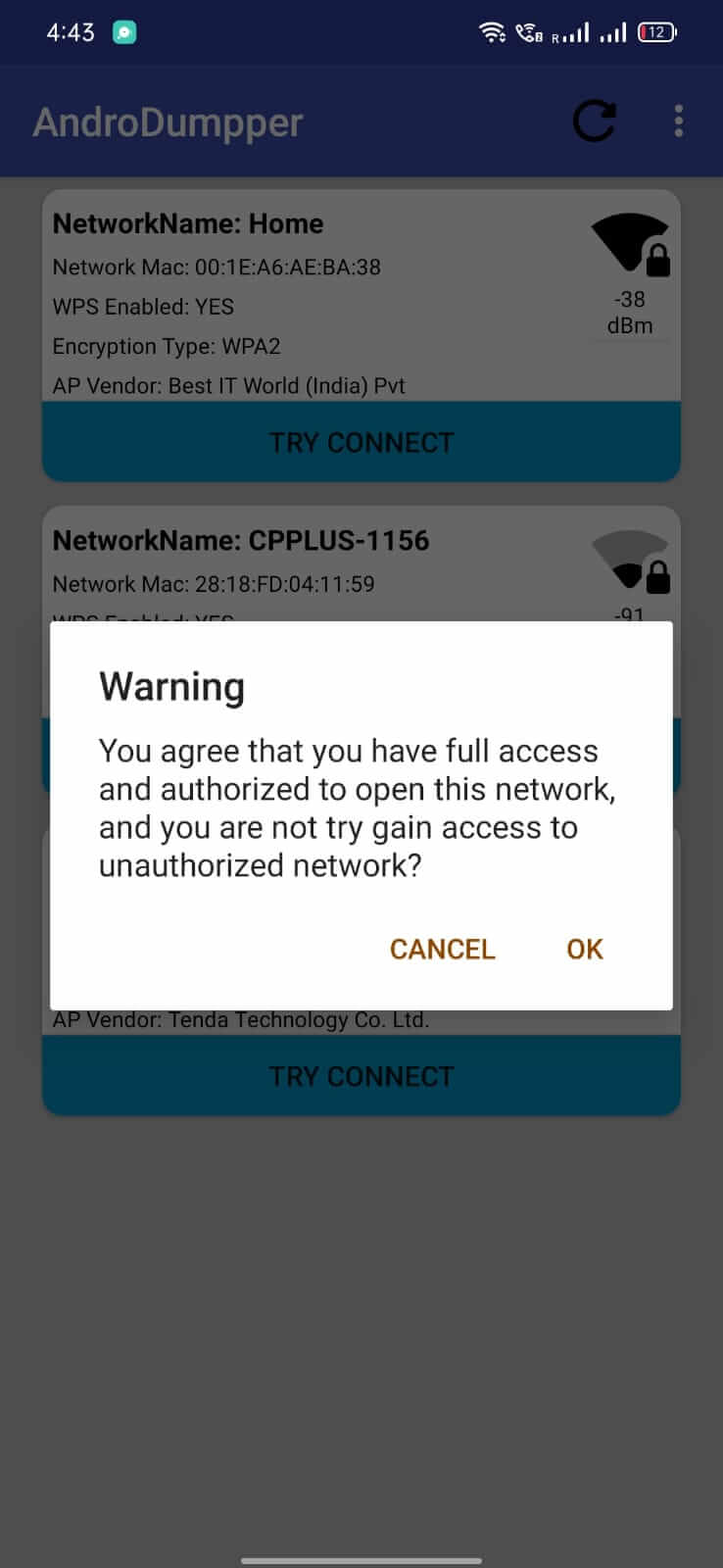
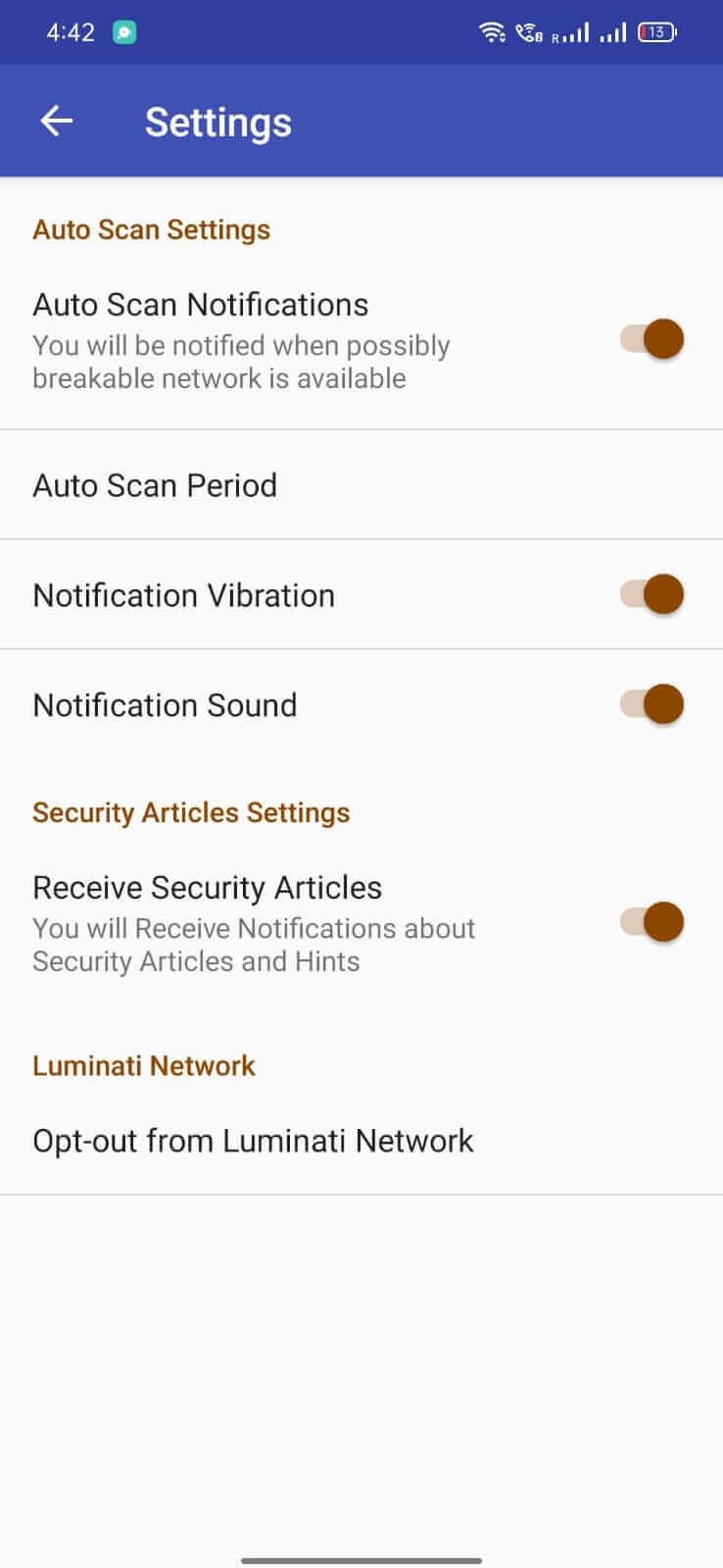

AndroDumpper is a utility that helps you interact with Wi‑Fi networks directly from your Android device. It is primarily aimed at users who need to test or explore Wi‑Fi security, especially on rooted phones.
This page provides the essential details, a step‑by‑step install guide, and practical tips for using AndroDumpper safely.
Quick Information
| App/Game Name | AndroDumpper |
| Latest Version | 3.11 |
| Developer | Not listed |
| Category | Apps / Tools |
| App Size | 11.07 MB |
| Package Name | com.bigos.androdumpper |
| Last Updated | 1 October 2026 |
What Is AndroDumpper?
AndroDumpper lets you send custom packets to nearby Wi‑Fi access points. By crafting deauthentication frames or other network requests, the app can trigger password prompts or reveal network information. Full functionality generally requires root access, though some basic scanning features may work on non‑rooted devices. It is intended for security testing, network diagnostics, and educational purposes—not for illegal intrusion.
Compatibility
| Android Version | ✓ Verified — Android 4.1 and later |
| Architecture (ARM64 / 32-bit) | ✓ Verified — Supports common device architectures |
| Internet Connection | ✓ Verified — May be required for ads, updates, or login |
| Storage Needed | Not Verified |
| OBB/Data Files | Not Verified |
| Root Required | ✓ Verified — This app needs root access |
How to Install
- Enable Unknown sources in your device settings (Settings → Security → Install unknown apps).
- Download the AndroDumpper APK file to your device.
- Tap the downloaded file to start the installation and follow the on‑screen prompts.
- After installation, open the app. If your device is rooted, grant superuser permission when requested.
- Use the interface to select a target network and choose the desired packet type (e.g., deauthentication).
Troubleshooting
- App not installed – Verify that the APK matches the package name
com.bigos.androdumpperand that your Android version meets the minimum requirement (usually Android 5.0+). Re‑enable unknown sources if needed. - Crashes on startup – Ensure the device is rooted and that the rooting method provides proper superuser access. Updating the rooting tool or reinstalling the app may help.
- MOD features not working – This is the official build; there are no modified features to verify.
- Wi‑Fi actions have no effect – The device must have root privileges for packet injection. Without root, only passive scanning is possible.
- Permission errors – Grant the required permissions (Location, Wi‑Fi state, and Storage) in the Android settings.
Safety & Security
AndroDumpper is a modified network tool, so it can be powerful in the wrong hands. Always download the APK from a reputable source and verify the file’s integrity if a hash is provided. The app requests permissions related to Wi‑Fi and location; these are needed for its core functions. Avoid entering personal credentials or sensitive data while the app is running, and use it only on networks you own or have explicit permission to test.
How AndroDumpper Compares
| Feature | AndroDumpper | WiFi Analyzer | WiFi WPS WPA Tester |
|---|---|---|---|
| Primary purpose | Packet injection & Wi‑Fi testing | Signal strength & channel analysis | WPS and WPA vulnerability testing |
| Root requirement | Required for full features | Not required | Optional (enhanced tests) |
| Free / Paid | Free (APK) | Free with ads | Free with optional in‑app purchases |
| Best for | Security researchers & advanced users | Casual users monitoring signal quality | Network admins checking WPS security |
Alternatives
- WiFi Analyzer – Provides visual graphs of signal strength, channel interference, and network details without needing root.
- WiFi WPS WPA Tester – Focuses on testing WPS and WPA vulnerabilities, offering automated checks for weak configurations.
- Fing – Network Tools – Offers network discovery, device identification, and basic Wi‑Fi diagnostics in a user‑friendly interface.
- NetSpot – A professional Wi‑Fi survey tool for detailed site surveys and heatmaps, primarily for desktop but also available on Android.
Final Verdict
AndroDumpper is a niche tool suited for users who need low‑level Wi‑Fi testing and are comfortable with rooting their device. It offers powerful packet‑injection capabilities, but those same capabilities demand responsible use. If you lack root access or only need basic Wi‑Fi information, a simpler app like WiFi Analyzer may be a better fit. Always verify the source of the APK and understand the legal implications of testing networks you do not own.
Frequently Asked Questions
The APK itself is not malicious, but it requires root access to function fully, so only install it from a trusted source and understand the risks of granting superuser permissions.
Full packet‑injection features require root, but basic network scanning may work on non‑rooted phones.
The latest version available is 3.11, released on 1 October 2026.
The file size is approximately 11.07 MB.
The app is compatible with recent Android versions, but you should verify compatibility on your device after installation.
This can happen if unknown sources are disabled, the APK is corrupted, or the device’s Android version is not supported.
Using packet‑injection tools on networks you do not own may violate terms of service and local laws; always test only on networks you have permission to assess.
Yes, AndroDumpper works alongside the system Wi‑Fi manager; it does not replace it.